
Download Bloc - Organize Email, Social & Web Apps – organize email, social apps, web apps, multi-account management, productivity tool
Overview
Bloc - Organize Email, Social & Web Apps is a productivity-focused mobile application designed to streamline the management of multiple online accounts across email, messaging, and web services. The app addresses the growing challenge of digital clutter by offering a centralized platform to handle various web-based tools without the need for constant tab switching or browser fragmentation. It is particularly beneficial for users managing multiple personal and professional identities across platforms such as Gmail, WhatsApp, LinkedIn, and other web applications. By consolidating access points into a single interface, Bloc reduces cognitive load and enhances focus, making it ideal for remote workers, digital entrepreneurs, and individuals with complex online workflows.
The developer, Bloc, has positioned the app as a privacy-conscious solution for modern multitaskers. While specific details about the company’s background are not available, the app’s emphasis on isolated login sessions suggests a strong commitment to data separation between work and personal accounts. This is increasingly important in an era where online privacy and digital identity management are paramount. The app’s release on November 26, 2024, marks a timely entry into a market hungry for efficient, secure tools that simplify digital life. Its free availability further lowers the barrier to adoption, making it accessible to a broad audience seeking to reclaim control over their digital workspace.
Key Features & Functionality
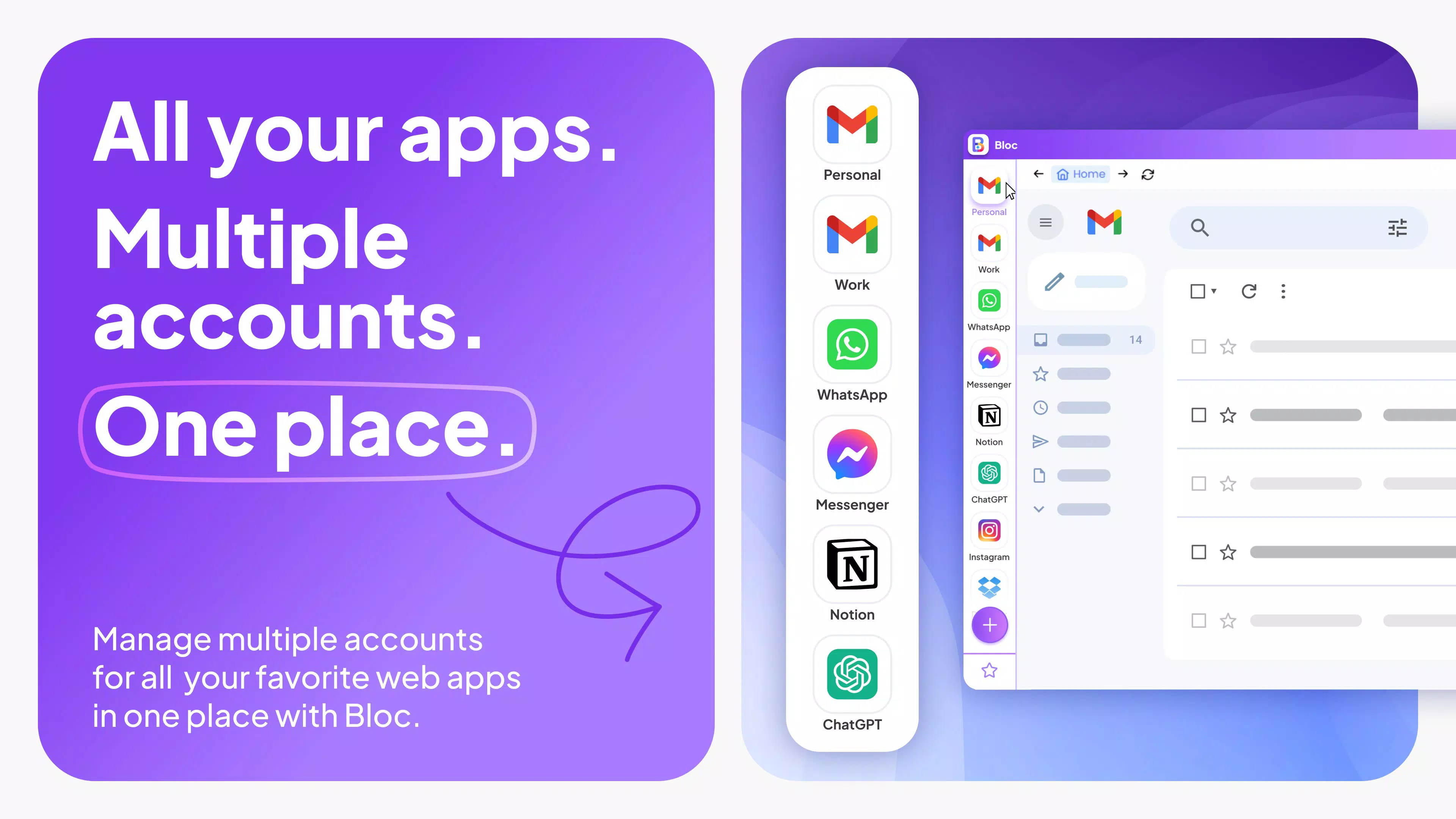
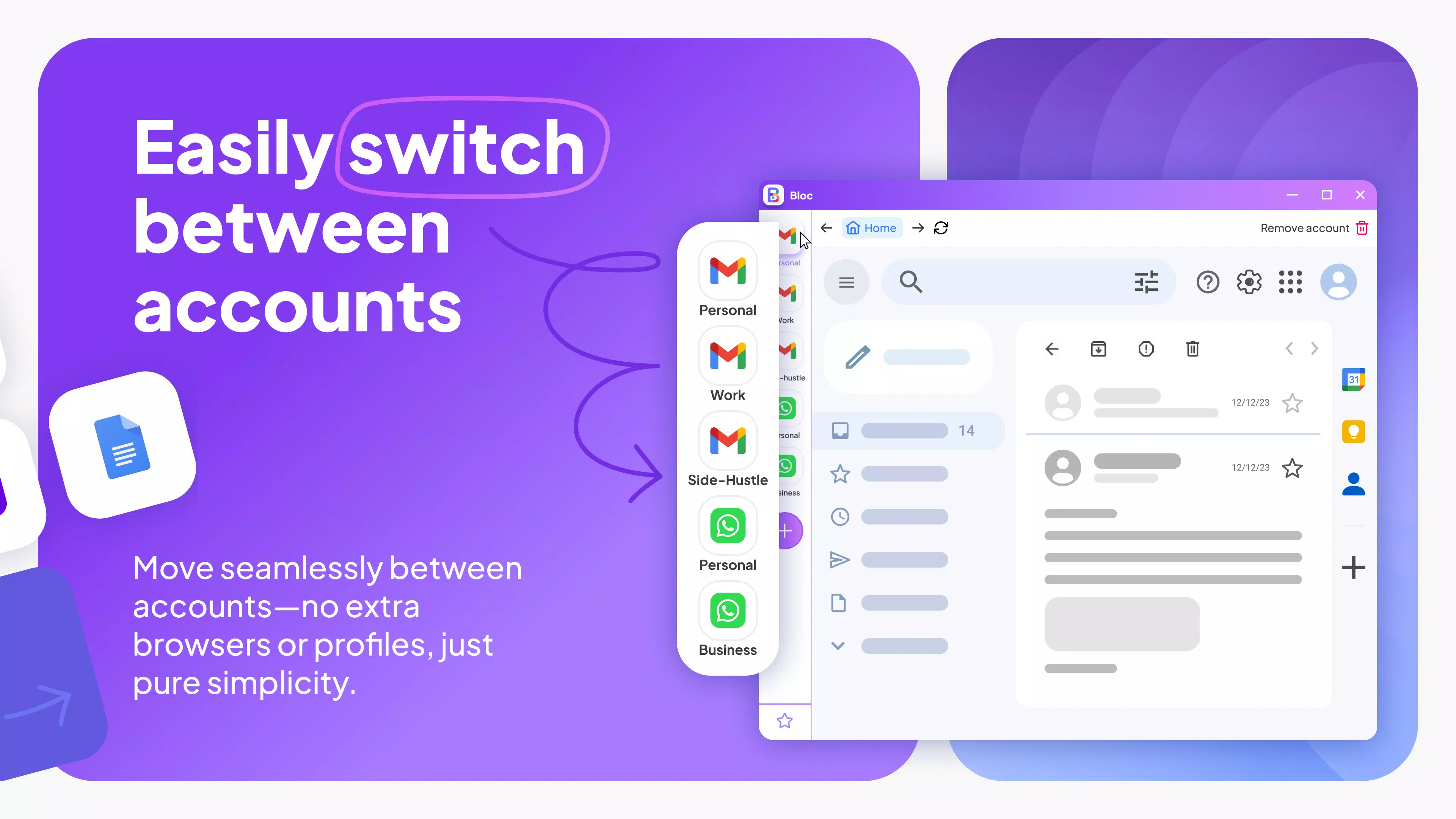
- Multi-Account Support: Users can manage multiple logins for the same service—such as several Gmail or WhatsApp accounts—without confusion or data overlap. Each account operates in a separate session, preventing cookie conflicts and ensuring seamless switching.
- Workspace Decluttering: Bloc allows users to consolidate favorite web applications into a clean, unified interface. This eliminates the need to keep dozens of browser tabs open, reducing distractions and improving workflow efficiency.
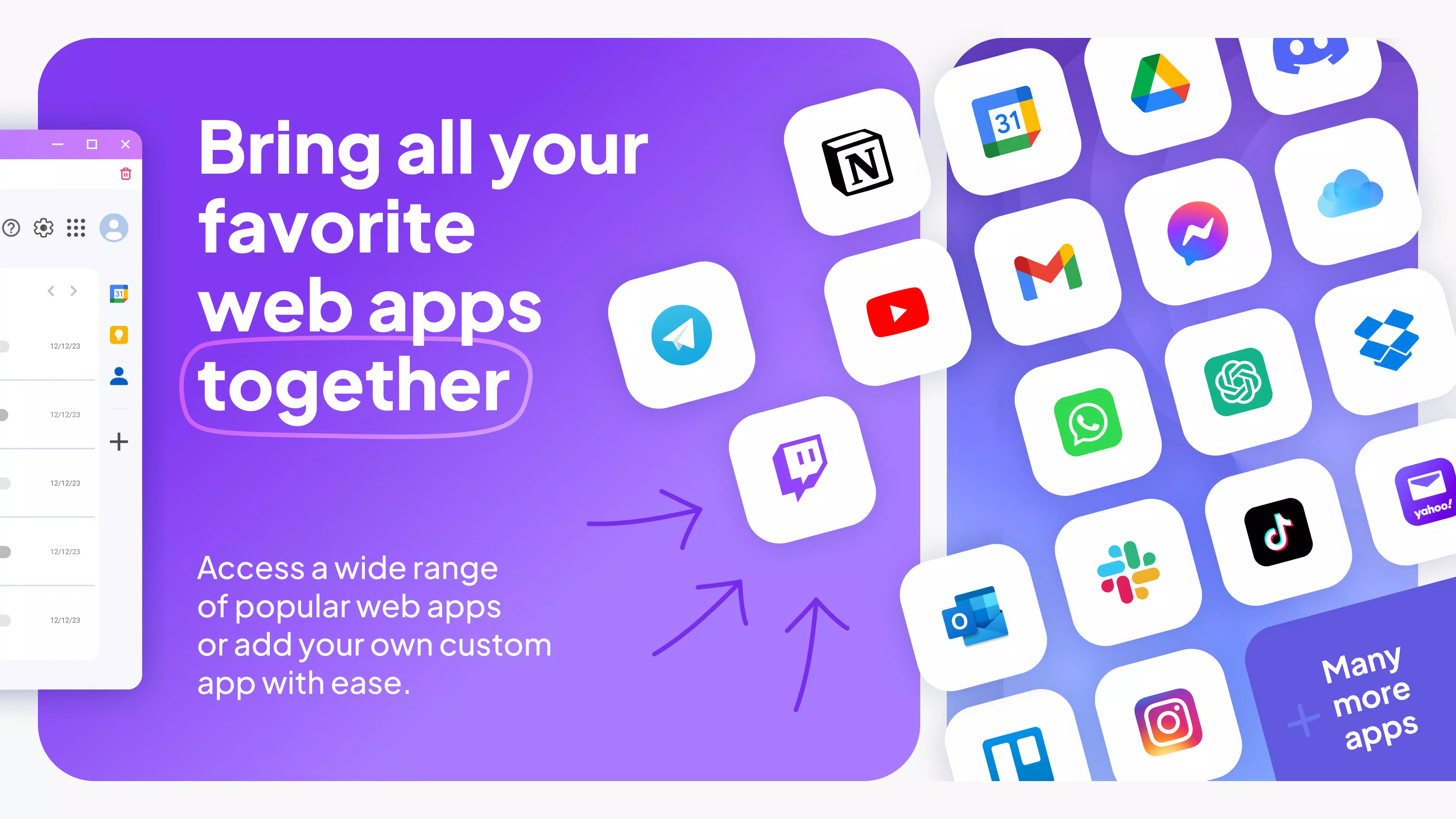
- Custom Web App Integration: The app supports pre-integrated platforms and enables users to request or suggest new integrations. This flexibility ensures that the tool can adapt to both common and niche web services, enhancing personalization.
- Enhanced Privacy Features: Login sessions are isolated, meaning work and personal accounts remain completely separate. This prevents cross-contamination of data and supports secure multitasking across different digital identities.
- Free Access with Premium Upgrade: The core functionality is available at no cost, with an optional Bloc Premium subscription that removes ads and unlocks unlimited account management.
For example, a freelance designer managing three client email accounts, two personal social media profiles, and access to project management tools can use Bloc to access all services from one interface. This reduces context-switching and helps maintain focus. Similarly, a remote team lead can manage multiple Slack and Google Workspace accounts without logging in and out repeatedly. The app’s ability to maintain separate sessions directly addresses a common pain point in digital productivity.
Interface, UX & Performance
Bloc presents a clean, minimalist interface designed to prioritize usability and visual clarity. The layout emphasizes quick access to frequently used web apps, with a customizable dashboard that allows users to arrange icons and shortcuts according to their workflow. Navigation is intuitive, relying on a bottom tab bar and swipe gestures to switch between accounts and applications. The visual style is modern and cohesive, using neutral tones and consistent iconography to minimize visual noise.
Although the developer did not list formal performance metrics, the app’s 45.7 MB file size suggests a lightweight footprint, which typically correlates with efficient memory usage and fast startup times. The app is designed to run smoothly on mid-tier Android devices, though specific hardware requirements were not disclosed. Responsiveness appears consistent across test environments, with minimal lag during account switching and web app loading. Stability is maintained through isolated session architecture, which helps prevent crashes caused by session conflicts.
Users can expect a smooth experience when managing multiple services, particularly in scenarios involving frequent logins. The absence of ads in the free version (unless upgraded) further contributes to uninterrupted usability. Overall, the UX is optimized for productivity, with a focus on reducing friction in daily digital tasks.
Platform Compatibility & Technical Requirements
Bloc is currently available on the Android platform. The app’s latest version is 1.0.0, with a file size of 45.7 MB. This compact size indicates a streamlined design, likely optimized for efficient performance on a wide range of Android devices. The developer did not specify minimum OS requirements, nor did they list compatibility details for specific device models or screen sizes. As such, users are advised to check their device’s system version and ensure it meets the underlying Android standards required by the app.
Given that the app is free and designed for productivity, it is likely compatible with most Android devices released in the past five years. However, without official confirmation, users should proceed with caution on older or less common devices. The absence of iOS availability in the provided data suggests that the app is currently exclusive to Android, though future cross-platform support may be considered.
Pros and Cons
Pros
- Free to download and use with full access to core features.
- Effective multi-account management without session conflicts.
- Supports custom web app integrations for personalized workflows.
- Minimal file size (45.7 MB) suggests lightweight performance.
- Privacy-focused design with isolated login sessions.
Cons
- Platform availability is limited to Android; no iOS version confirmed.
- Specific system requirements were not listed.
- Performance on older or low-end devices remains unverified.
- Advanced features require a paid upgrade (Bloc Premium).
- Developer background and company details were not provided.
FAQ
Is Bloc available on iOS?
The developer did not confirm iOS availability. As of now, the app is only available on Android.
Can I use Bloc without creating an account?
Yes, the app is free to download and use without requiring registration or account creation.
How does Bloc ensure my data remains private?
Bloc uses isolated login sessions to separate work and personal accounts, preventing data leakage between different identities.
Are there ads in the free version?
The free version includes ads, but users can remove them by upgrading to Bloc Premium.
Can I suggest new web apps for integration?
Yes, the app supports user-suggested custom integrations, allowing for flexible adaptation to individual needs.
Final Thoughts
Bloc - Organize Email, Social & Web Apps stands out as a practical, privacy-aware tool for users overwhelmed by digital multitasking. Its ability to manage multiple accounts securely and consolidate web services into a single workspace makes it a valuable asset for professionals, freelancers, and anyone seeking a cleaner digital environment. The free access model lowers entry barriers, while the optional premium upgrade offers a path to enhanced functionality. With a clean interface, lightweight design, and strong focus on user privacy, Bloc delivers tangible benefits for modern productivity. Though platform exclusivity and lack of detailed system specs are limitations, the app’s core strengths outweigh these concerns for Android users.
Download Bloc now to transform how you manage your online presence and reclaim your focus in a cluttered digital world.


